
Members
Add teammates to a Space and control who has access.
Members are the people who belong to a Space. Everyone in a Space can participate in chats, view artifacts, and contribute to the shared context.
Viewing members
Click the member count next to the Space name in the Space header to open the Space modal, then switch to the Members tab to see everyone in the Space.
The Members tab lists Hops and people together under Space members, with each one's role shown next to their name (e.g., Agent, Space Manager).
Adding members
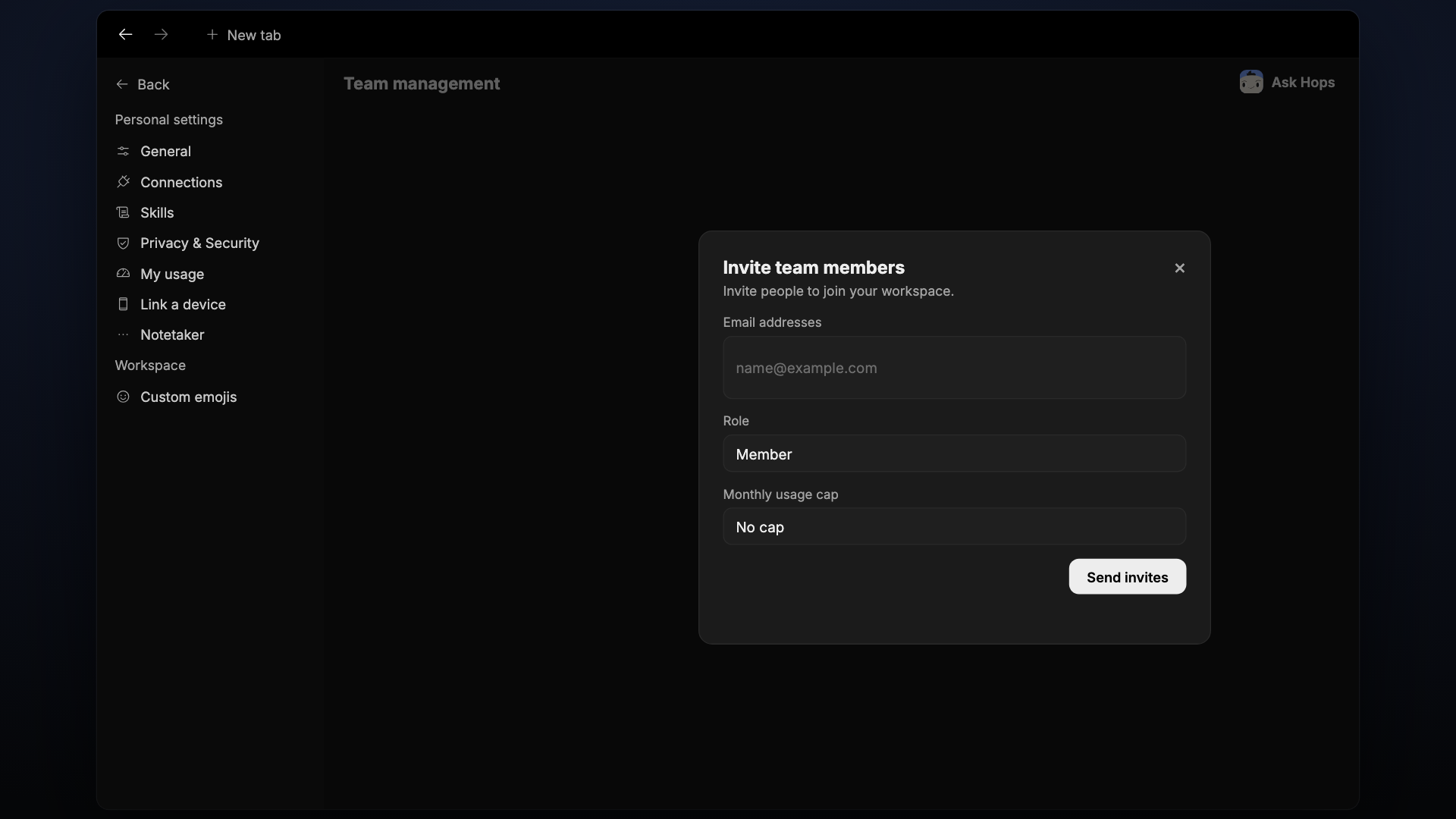
Click Add at the top of the Members list to invite teammates to the Space. Search by name or email to find people already in your workspace.
Roles
| Role | What they can do |
|---|---|
| Space Manager | Full access: manage members, pins, and Space settings |
| Member | Chat, create artifacts, and view everything in the Space |
Hops in a Space
Every Space has Hops as a member, tagged with Agent next to its name. Tag @Hops in chat and it responds from the Space's shared context. If a matching skill is installed, Hops uses it automatically and shows attribution like Hops · Pipeline watch on the response. See Skills for how to extend Hops for specific roles.