

One agent, many skills
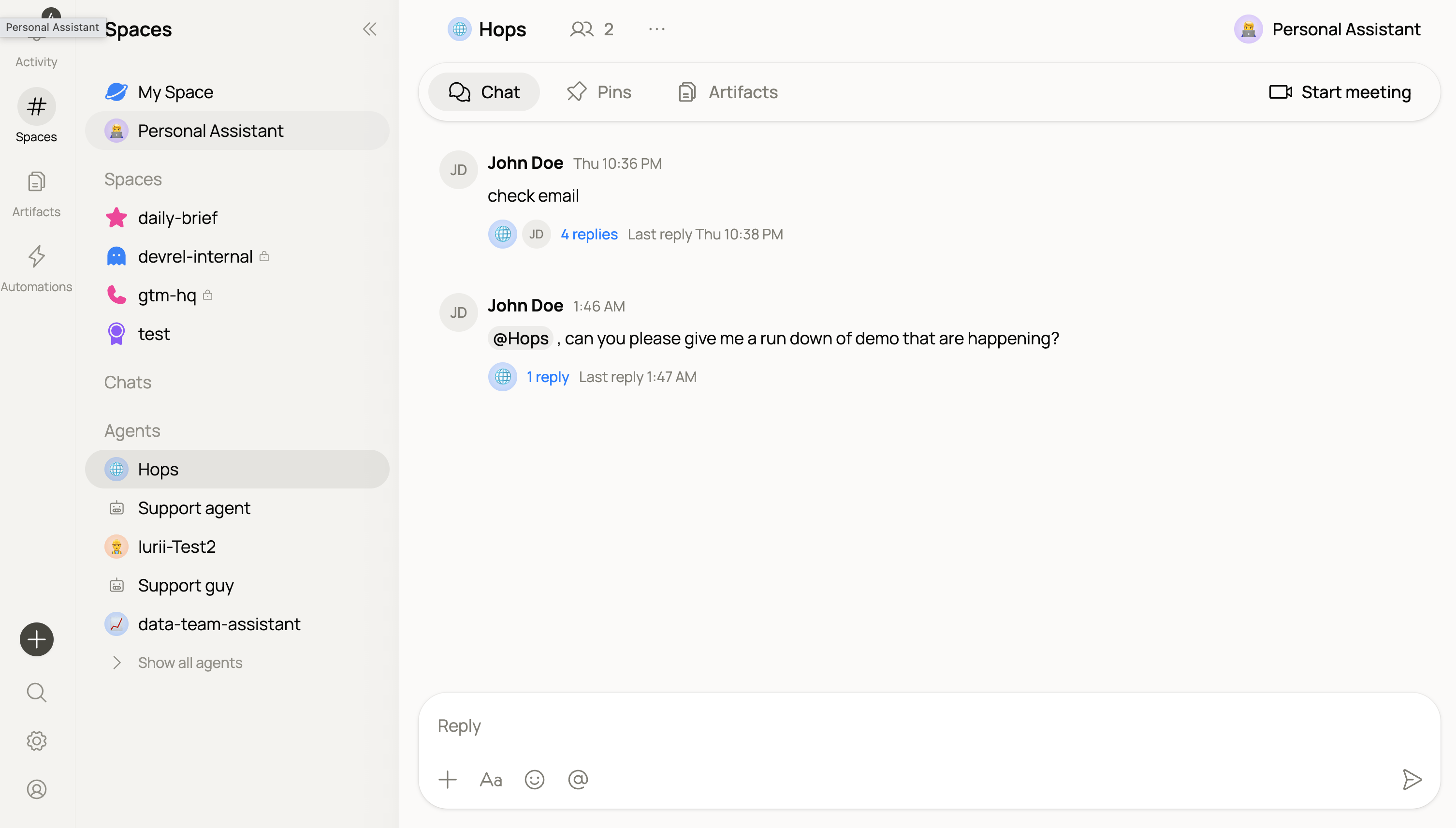
One Hops agent, extended with skills for every role.
@Hops in any Space (or open the sidebar) and describe what you need — from a quick summary to a full pipeline review.
Hops handles:
- Summarizing a thread, doc, or Space
- Drafting a reply, note, or brief
- Answering questions from the Space’s shared context
- Running any skill your team has installed
What skills do
Skills give Hops the instructions, tone, and priorities to act in a specific role — a Sales SDR, a Legal reviewer, a Pipeline watcher — without needing a separate agent. When Hops answers using a skill, you’ll see attribution like Hops · Pipeline watch on the message, so it’s clear which skill shaped the response.Browse and install skills
See what skills are available and install the ones your team needs.
Build a skill
Package instructions, tone, and connections into a reusable, shareable skill.
What makes Hops different
- It knows what the team knows. Hops reads from your threads, docs, and connected tools — no re-explaining.
- It shows its work. Every response includes what it used and what it did.
- It waits for approval on risky actions. Before sending an external message or updating a record, it asks.
- Skills are shareable. Package a workflow once, share it with your team, and everyone’s Hops runs it the same way.
Next
Skills
How skills extend Hops for specific roles and workflows.
Build a skill
Package instructions and connections into a reusable skill.
Connections
Give Hops access to the tools your team uses.