

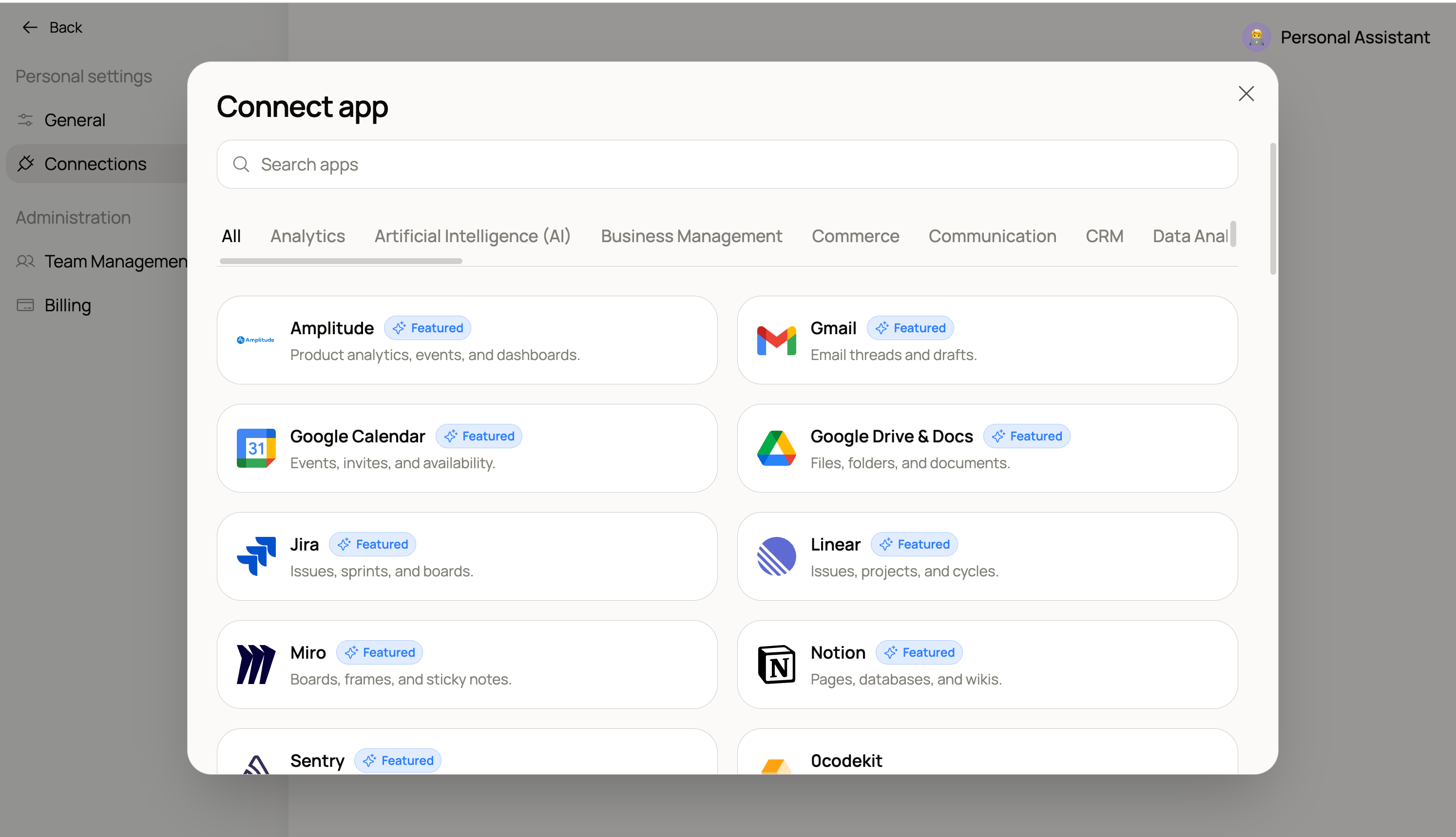
Connect the apps your team already uses — Hops supports 2,000+ integrations.
Browse the full catalog
Search or filter 2,000+ apps you can connect to Hops.
Where connections live
Connections are managed at the workspace level from Settings → Connections and are shareable across your team. Anything you connect there powers@Hops for everyone in the workspace, including any skills that need it.
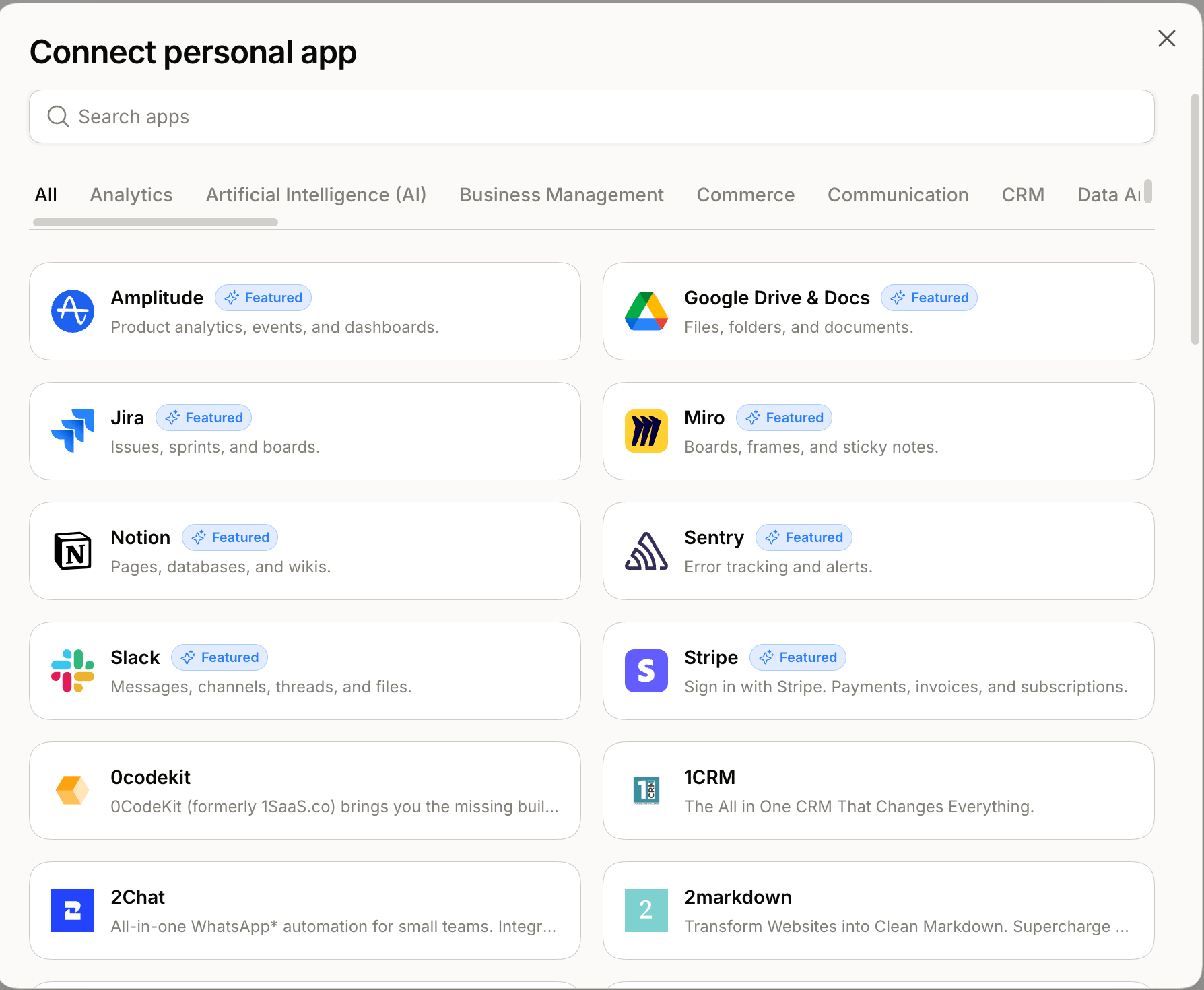
Add a connection to power Hops across your workspace.
Manage your connections
Connections are managed from Settings → Connections. From there you can:- View status — active or needs reauthorization, and when Hops last synced.
- Edit — turn specific tools within a connection on or off to fine-tune what Hops can use.
- Reauthorize — reconnect when a token has expired or you’ve changed a password.
- Revoke — click a connection and select Disconnect to remove it. Past artifacts and threads that referenced it aren’t deleted; only future reads are blocked.