
External access overview
Review and revoke what people outside your workspace can open.
External access overview lives under Workspace security. It has two tabs, People and Public links, and a History control.
People
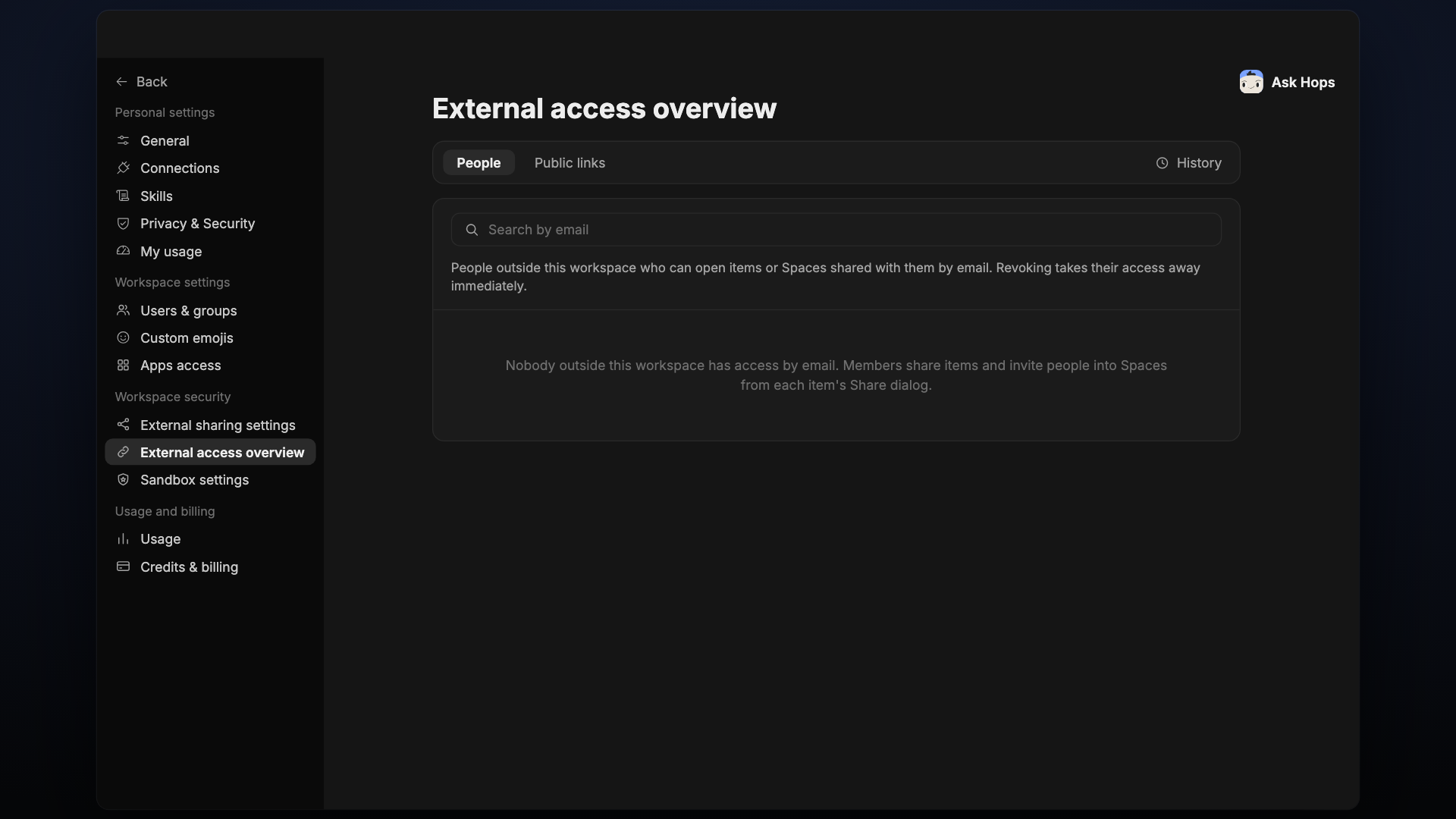
People outside this workspace who can open items or Spaces shared with them by email. Use Search by email to find someone. Revoking takes their access away immediately.
If nobody outside the workspace has access, the tab says so. Members share items and invite people into Spaces from each item's Share dialog.
Public links
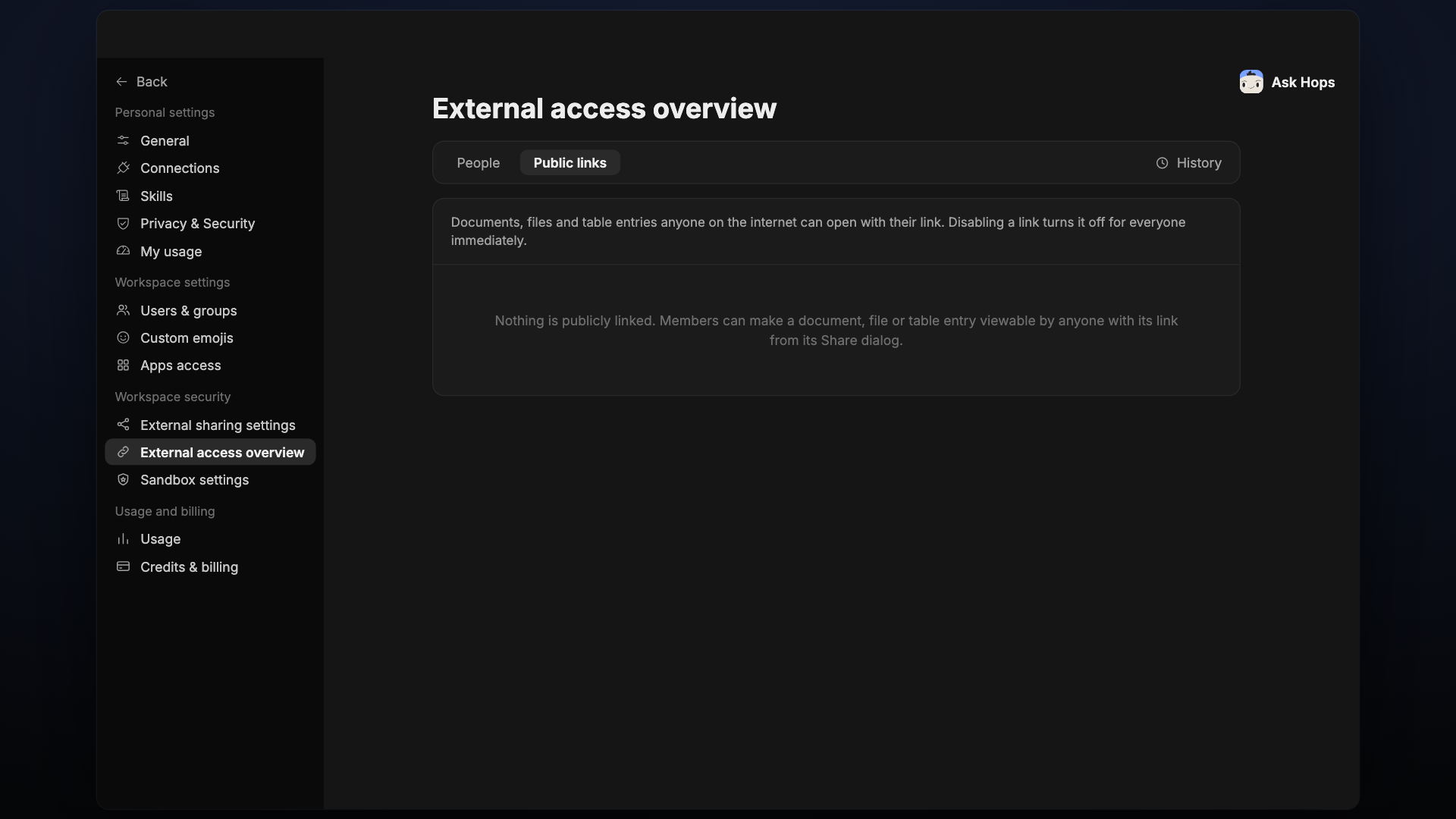
Documents, files and table entries anyone on the internet can open with their link. Disabling a link turns it off for everyone immediately.
If nothing is publicly linked, the tab says so. Members can make a document, file or table entry viewable by anyone with its link from its Share dialog.