
Credits & billing
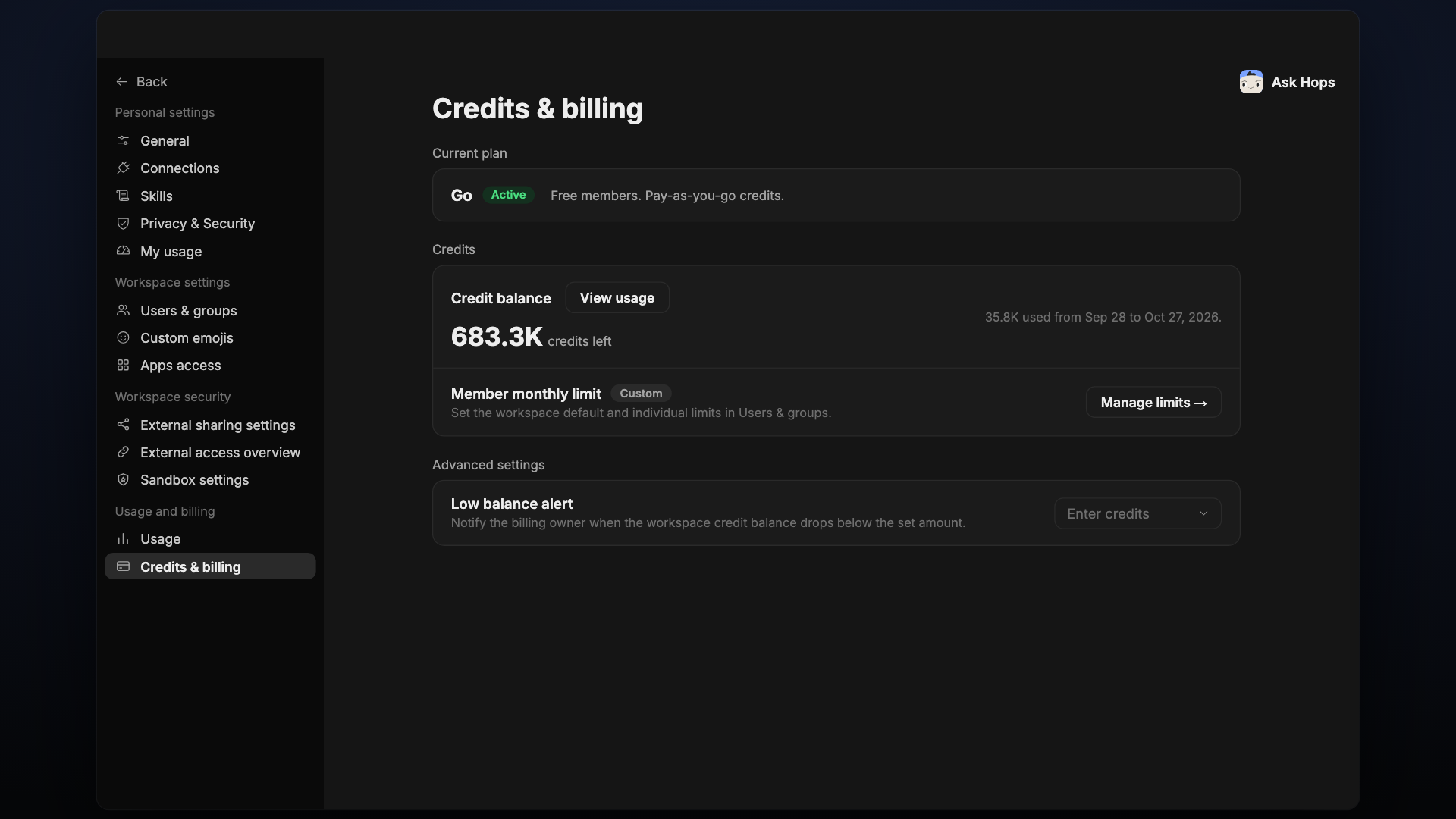
View your plan and credit balance, manage member limits, and set a low balance alert.
Credits & billing lives under Usage and billing.
Current plan
Shows your plan and its status. For example, Go is Active: free members, pay-as-you-go credits.
Credits
- Credit balance: credits left, and how many were used in the current period. Select View usage to open Usage.
- Member monthly limit: set the workspace default and individual limits in Users & groups. Select Manage limits to go there.
The sidebar also warns you when your workspace is running low on credits or has run out.
Advanced settings
Low balance alert notifies the billing owner when the workspace credit balance drops below the amount you set. Enter a number of credits.