
Collaborative AI™ foryour team





Used by people at












- Altery
- Amazon
- Blue Ink
- Capgemini
- Globant
- Merit America
- Microsoft
- Miro
- Novartis
- Pathstone
- Semrush
- Kustomer
Every team moves faster with Hops

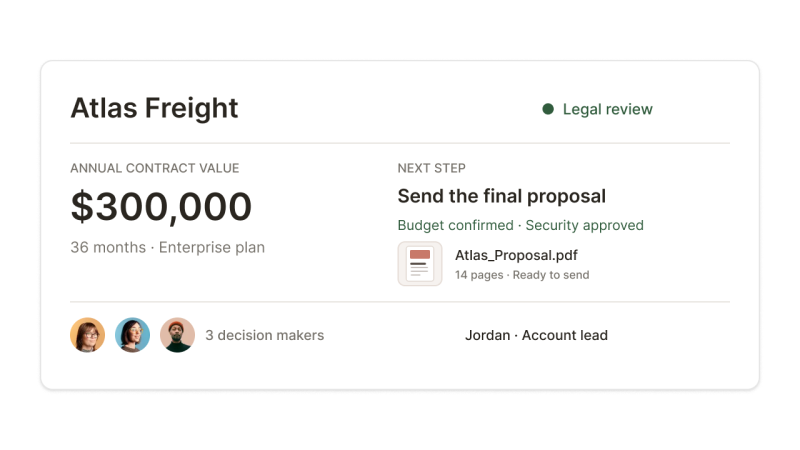
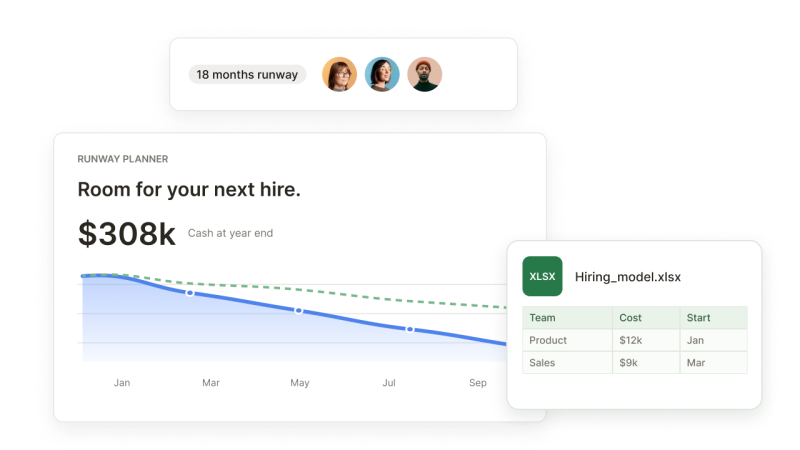
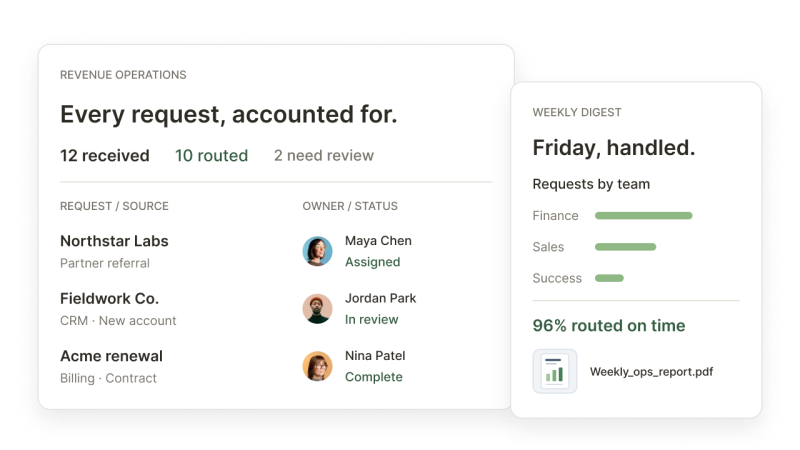
Teach Hops once, and your whole team can do it your way
When one team works out a better way, it can save the method as a skill. That team decides who else can use it, and @Hops applies it the same way each time.
Skill name
call-prep
- Description
- Turn account context into a source-linked call brief with focused questions and a proposed next step.
Instructions
Call prep
Prepare for a prospect or customer call using only provided or connected sources. Flag anything you cannot access.
- Confirm the account and objective. Identify the company, attendees, and call goal. If the account or goal is unclear, ask before proceeding.
- Use source-linked customer context. Review available CRM records and the two latest call notes or email threads. Capture stated needs, objections, and commitments. Cite the source and date for each fact.
- Ask three deal-specific questions. Identify gaps in budget, decision-maker, and timeline. Ask what the sources haven’t answered. Flag conflicting information rather than choosing a version.
- Write a brief under 250 words. Use: call goal, account snapshot, last conversation, open risks, three questions, and one proposed next step. Mark unknowns; never invent facts or commitments.
Show Hops how you work.
Give Hops the instructions, context, and format your team uses to get the job done.call-prep
Source-linked call briefs
follow-up
Decisions and next steps
deal-review
Deal risks and next actions
account-handoff
Account context and owners
Keep the method that works.
Save those instructions as a skill so you don’t have to explain the same process each time.call-prep
Shared with your sales team
 Maya
Maya Jordan
 Nina
Nina Theo
Theo
Put it in your team’s hands.
Your team decides who can use the skill. Hops follows the same method for everyone you share it with.Control
You decide what Hops can see and send
- SOC 2Type II
- ISO 27001Certified
- ISO 42001Certified
Works with the tools your team already uses
- Slack
- Jira
- Notion
- Microsoft Teams
- Gmail
- Google Drive
- Salesforce
- Google Slides
- Google Docs
- Google Calendar
- HubSpot
- Intercom
- monday.com
- Asana
- Linear
- Stripe
- GitHub
- Miro
- Amplitude
- Mixpanel
- Sentry
- Greenhouse
- Google Sheets
- Tableau
- Microsoft Excel
- Microsoft PowerPoint
- Microsoft Word
- Zendesk
- QuickBooks
- Docusign
- Marketo
- Google Ads
- BambooHR
- Google Chrome
- Mintlify
- Attio
- Figma
- Dropbox
- Canva
- X














Hops is the collaborative AI workspace that helps your whole team move faster. Your team and its AI agent work live in the same docs, slides and dashboards, and what one person teaches it, everyone can use. You only pay for the AI's work.
Keep using them for your own work! They're built for one person in one chat, so good answers stay in that chat until someone copies them into a team doc. Hops works with your whole team in the same docs and tables, connected to your tools. When someone shows Hops how they do a job, anyone on the team can ask for it that way next time. The more your team uses Hops, the more everyone benefits.
Hops drafts the docs, decks and reports your team needs, and it preps your meetings. It connects to 2,000+ tools, so it works from your team's own calendars, CRM and files. For a job that comes up again and again, set it up once and Hops can run it for you.
Your team does. Before Hops sends anything outside the company or changes something sensitive, it checks with the right person. Once they say go ahead, for example on a campaign, it handles the rest. Every edit Hops makes in a doc shows in version history, so your team can always see what came from Hops and what came from a person.
Yes. Hops works within the permissions each person has been granted, never more. It's SOC 2 Type II, ISO 27001 and ISO 42001 certified, and any code it runs stays sandboxed, away from your data.
Hops is ready to join your team
Invite your teammates and start working together.
No per-user fees, so everyone can join.