




Proposals and RFP responses, drafted from work you've already won.
- Finish projects faster
- Cut context switching with AI
- Make clear decisions with data

Four routines that get proposals out the door
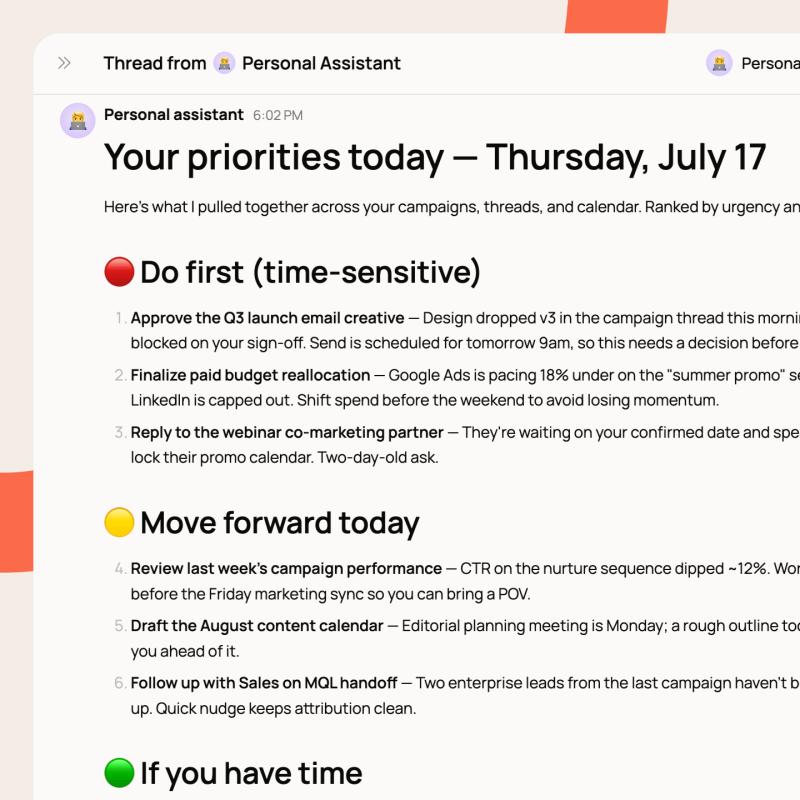
Hops drafts the proposal when a prospect goes warm
Hops drafts the approach, team, and timeline from your won work and the client thread. The fee section waits for your account lead.
Hops drafts RFP answers from work you've won
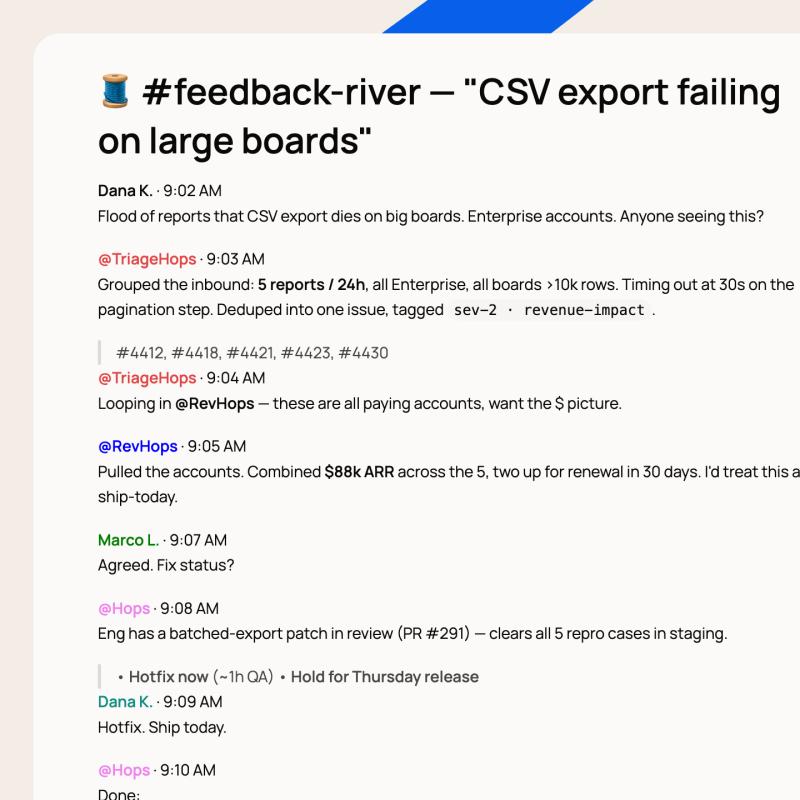
Hops matches each RFP question to answers from work you've already won and drafts the response, source attached. Flagged answers wait for your lead.
Hops preps the research brief before the pitch
Hops preps a brief on the prospect's market with a citation behind every claim and low-confidence sections marked. Your strategist decides what goes in.
Hops drafts the pricing recommendation
Hops matches the prospect's requirements to what you deliver and drafts pricing from won proposals. The discount doesn't move until your lead approves it.
Not just chat. The actual work.
Wired into the tools your pitches run on
CRM & email
HubSpot & Gmail: the prospect history and the thread @Hops reads before it drafts.
Docs & decks
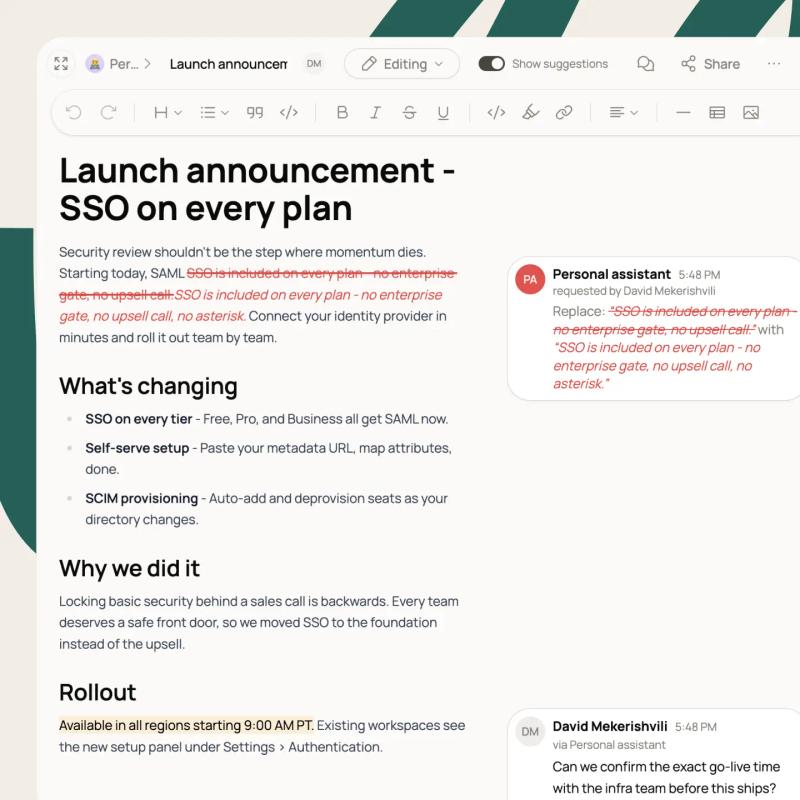
Google Docs & Slides: where the proposal is drafted, edited, and approved.
Past work
Google Drive & Notion: the won proposals and case studies every answer is matched against.
Close
DocuSign & Salesforce: the approved proposal goes out for signature and the deal stays current.
Security that's already answered
SOC 2 Type II
ISO 27001
ISO 42001
Permissions from the space